
Offline by Design
Your content is protected on your device.
Protect sensitive information directly on your device.
Designed around one principle: your data stays under your control.
Your content is protected on your device.
Your original content is never uploaded to CCYPH.
Start immediately.
No registration.
One workflow for both.
Passwords are not sent to CCYPH or retained for recovery.
LIGHT and PRO can generate edition-appropriate reports.
Only you decide where protected data is stored.
Android and Desktop are tested and released independently.
Protect text and files in six clear steps. Text and files can be processed together in one session, while the operation stays local on your device.
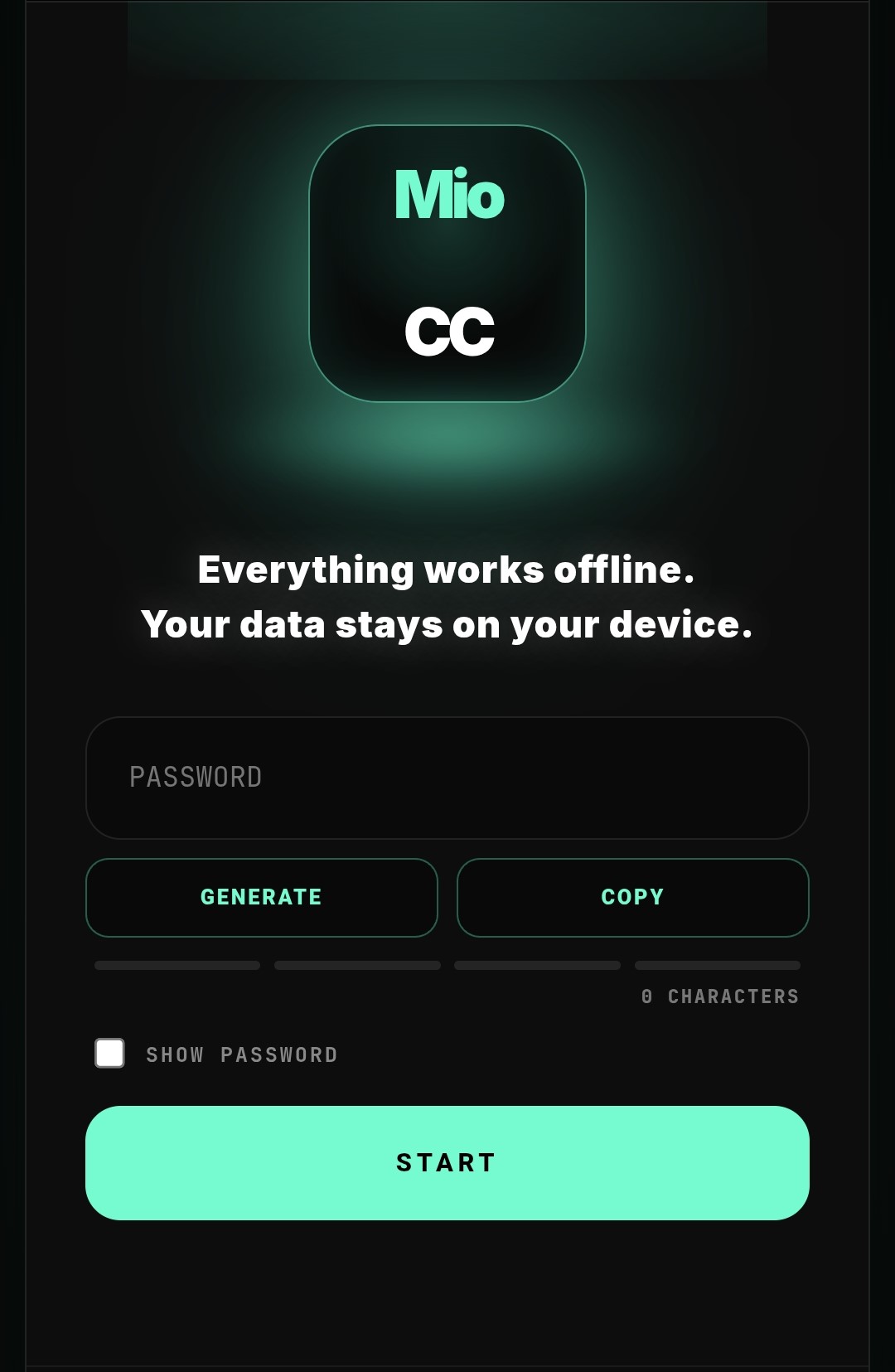
Enter a password manually, select PASTE to insert the exact text currently held in the operating-system clipboard, or select GENERATE to create a cryptographically random 20-character password locally on your device. PASTE keeps the password hidden and never starts processing automatically.
Use a strong, unique password that you have not reused elsewhere. The four-segment indicator is local advisory guidance based on length, variety and predictability; it can reveal obvious weaknesses but cannot guarantee security. MioCC does not transmit the password to CCYPH.
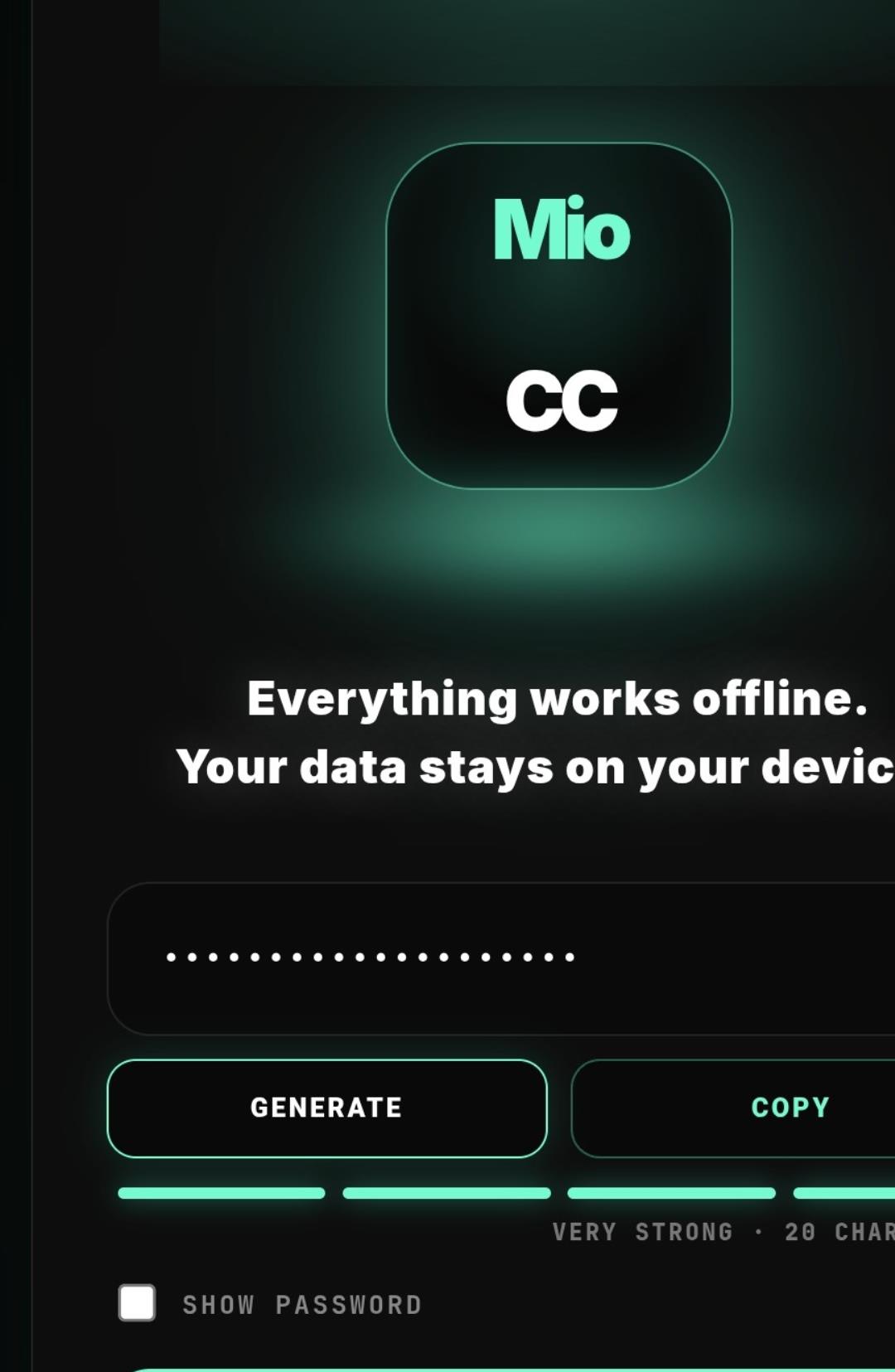
Before selecting START, save the exact password in a secure place. COPY places it in the operating-system clipboard, while SHOW PASSWORD temporarily reveals it on the current device screen.
Use COPY and SHOW PASSWORD only in a private and trusted environment. MioCC does not provide cloud password storage, synchronization, password reset or developer-assisted recovery. If the password is lost, the protected content may become permanently inaccessible.
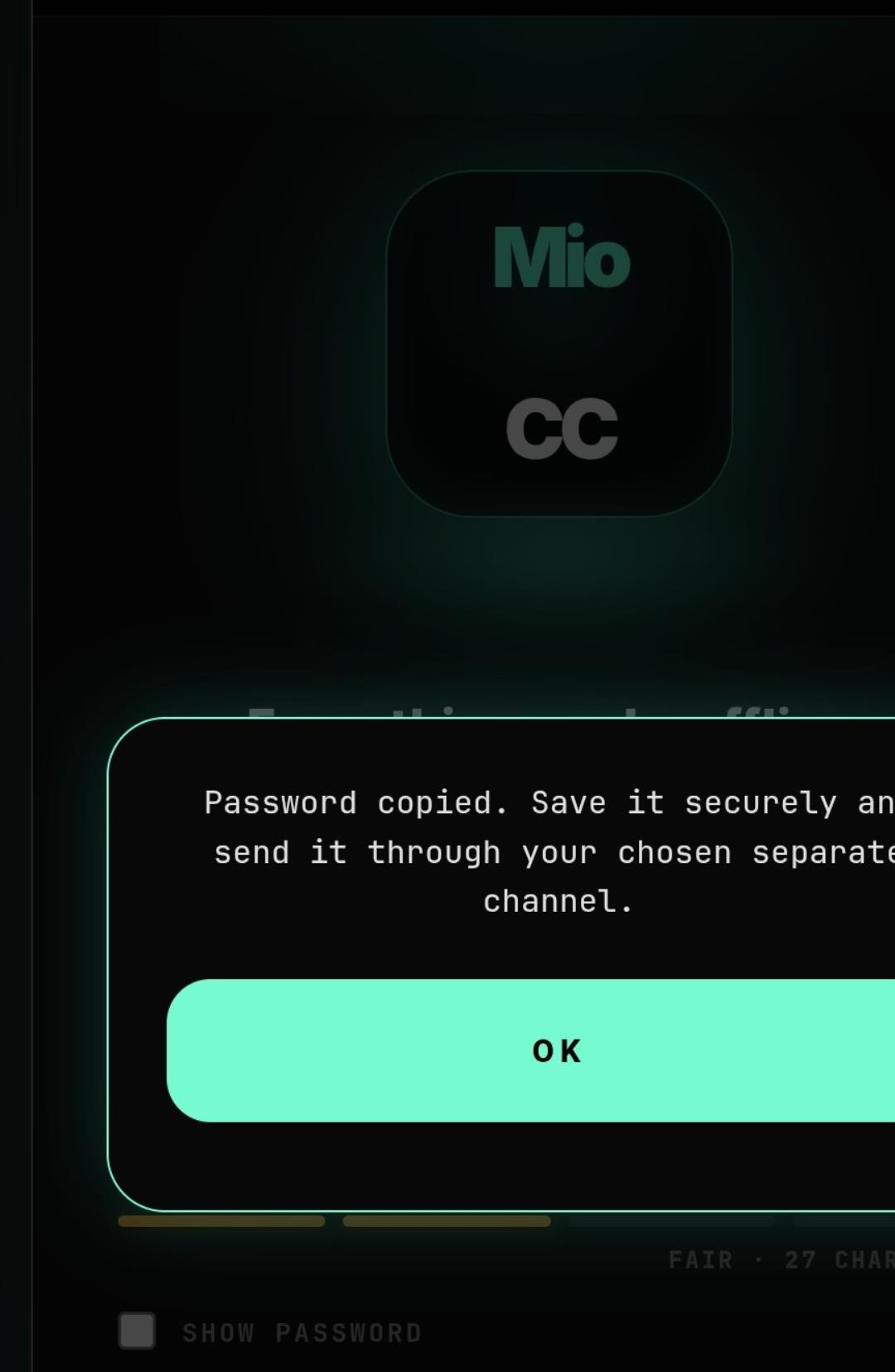
When sending protected content to another person or device, send the password through a separate trusted channel. Never send protected content and its password together in the same message or service.
Clipboard content may remain available to the operating system or other applications. Clear or replace it after use where the device supports this. On the receiving compatible device, PASTE can insert the exact password without displaying it; MioCC still does not synchronize passwords and the exact same value is required to unlock the content.
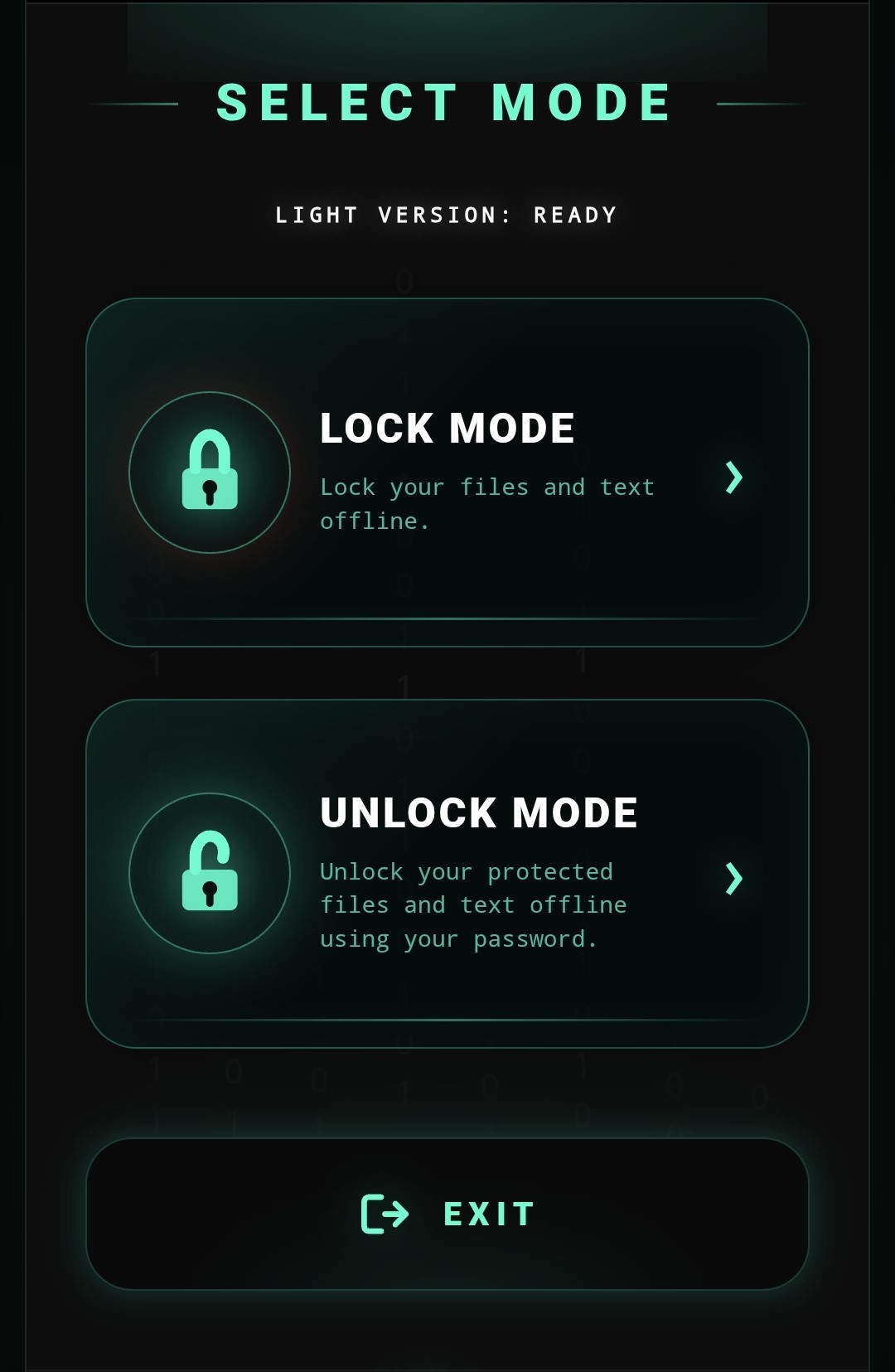
Select Lock Mode when you want to protect ordinary text or files. Select Unlock Mode only for content previously protected with MioCC, and enter exactly the same password that was used during locking.
MioCC cannot recover or guess a missing password. Selecting the wrong mode or entering a different password will not restore the original content. Review the selected mode before continuing, especially when processing several files in one session.
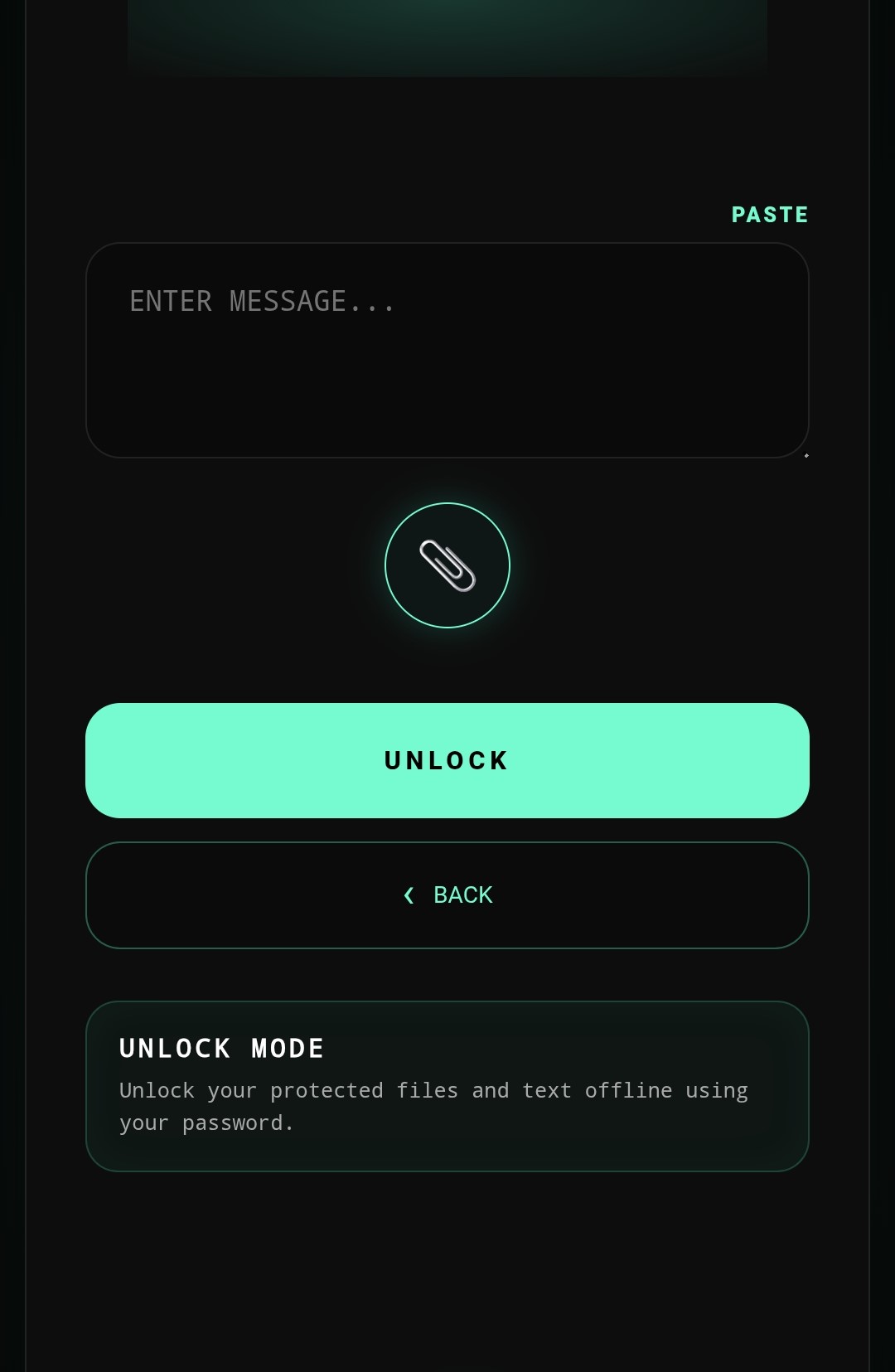
Paste your message, attach files, or do both together. MioCC can process text and files in the same session while keeping the operation local on your device.
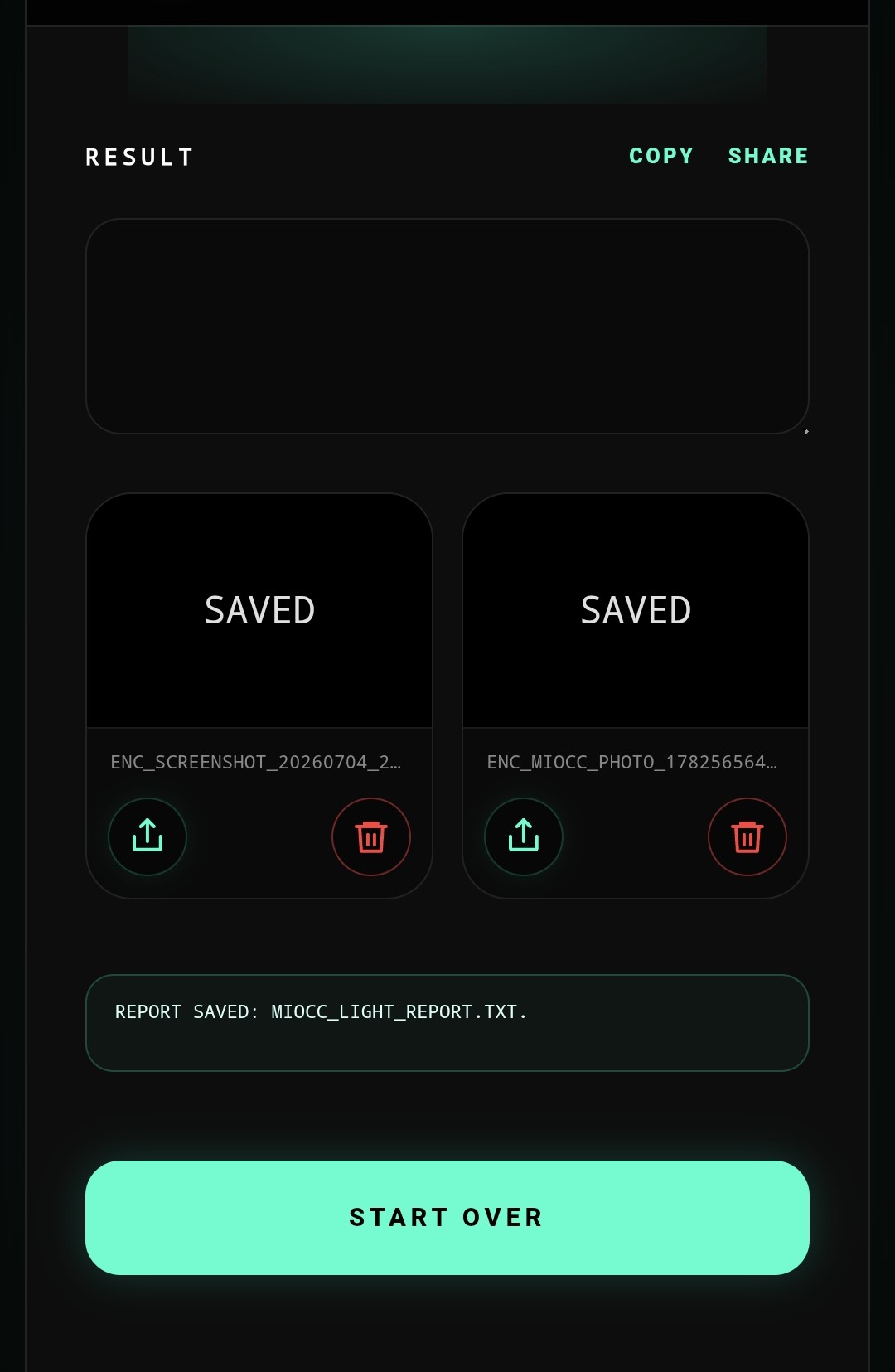
After processing, MioCC creates the protected or restored files locally. LIGHT and PRO can also create edition-appropriate reports that confirm what was processed without exposing passwords or file contents.
Android and Windows are the current MioCC platform paths and are highlighted below. iOS and Linux remain visible as planned platform paths, but they are not currently offered as active releases.
Protect text and files anywhere with offline core processing.
MioCC lets you lock and unlock sensitive text and files directly on your Android device. Your data stays local. No account. No cloud processing. No password recovery path.
Encrypt messages, notes and any text you want to keep private.
Lock and unlock supported files locally, according to edition limits.
Restore MioCC protected files and text with the correct password.
Confirm what was processed without exposing passwords or file contents.
Each platform is tested and released as its own product path.
Secure. Offline. Professional.
Windows is the landscape workspace for longer sessions, larger screens and organized local output. It keeps the same offline philosophy, but presents text, files, reports and folders in a desktop workflow.

This platform path is reserved for a future Apple release.
This platform path is reserved for a future Linux package.
FREE is distributed through Google Play. LIGHT and PRO offer monthly or yearly licensing through Paddle.
Paid LIGHT and PRO licenses are available only in the countries listed here.
Basic evaluation access through Google Play.
Google Play provides the official Android FREE release and updates.
24.99 EUR billed yearly.
69.99 EUR billed yearly.
Already have a license? Download MioCC
By purchasing, you accept the Terms of Use, End User License Agreement and Payment, Activation & Refund Policy, and acknowledge that you have read the Privacy Policy.
Click a question to open the answer. The wording is intentionally clear for customers.
Yes. The core lock and unlock process is designed to work locally on the device. This is the main privacy advantage of MioCC.
No. MioCC is built around local processing. Your files and text are processed on your device, not sent to a cloud service for encryption.
No. The passphrase is not stored for recovery. This protects the user, but it also means lost passphrases cannot be restored by MioCC.
FREE is a three-month trial with strict limits. LIGHT is for regular personal use with defined session limits and a Basic report. PRO is for larger workflows, more devices and Advanced reports.
They follow the same product philosophy, but they are released and tested separately. This keeps the APK and Windows Desktop versions stable and easier to maintain.
The report summarizes the operation, processed objects, session status and edition level. It does not include plaintext, passphrases, encryption keys, salt values, IV values or raw protected payload.
Yes, if the recipient has MioCC and the correct passphrase. The protected file can be sent through normal channels, while the passphrase should be shared separately and carefully.
FREE is intended for evaluation and basic testing. A time limit keeps the public edition clear, controlled and aligned with the commercial LIGHT and PRO editions.
Desktop output is organized locally in MioCC folders, while Android follows the platform workflow. The goal is predictable local storage without cloud dependency.
No. MioCC does not store passwords or provide a recovery path. The user keeps responsibility and control over the passphrase.
Yes. MioCC is designed so text and files can be protected in one workflow, depending on the selected edition limits.
MioCC is intended for common file types such as documents, images, text, audio, video and archives, with limits depending on edition and device capacity.
No account is required for the core offline protection workflow. Commercial license and payment processes may use the minimum information required for purchase and activation.
The protection workflow is offline-first. Internet may be needed for purchase, download, activation or updates, depending on the final distribution setup.
Protected content can be unlocked with MioCC and the correct passphrase, subject to edition, platform and compatibility rules.
Reports give the user a clean summary of what was processed without exposing secret data. They are useful for confidence, audit and verification.